
How to Translate Tickets in GLPI with DeepL, Google or AI
Meet Translate, NexTool's free module that translates tickets and follow-ups directly inside GLPI on demand, using DeepL, Google Translate, or AI (OpenAI, Gemini, or Claude).
Meet Translate, NexTool's free module that translates tickets and follow-ups directly inside GLPI on demand, using DeepL, Google Translate, or AI (OpenAI, Gemini, or Claude).

The advantages of GLPI for IT management: zero license cost, flexibility, active community, and comparison with ServiceNow, Jira SM, and Zendesk.

Everything about GLPI: what it is, what it does, who uses it, how much it costs, how to install it, and why it is the most widely used open source ITSM platform in the world.

Discover the 50 best plugins and modules for GLPI in 2026, organized by category: AI, inventory, ticket flow, communication, documents, security and more.

Timer in the ticket timeline, automatic billing, client consumption dashboard and complete audit trail.

GLPI 11 displays the 'code' field alongside the category name in dropdowns, creating visual noise. The GLPI Bug Fixes module fixes this in seconds, without editing the source code.

Automatic view monitoring with count, timestamps, and detailed log by IP. Free.
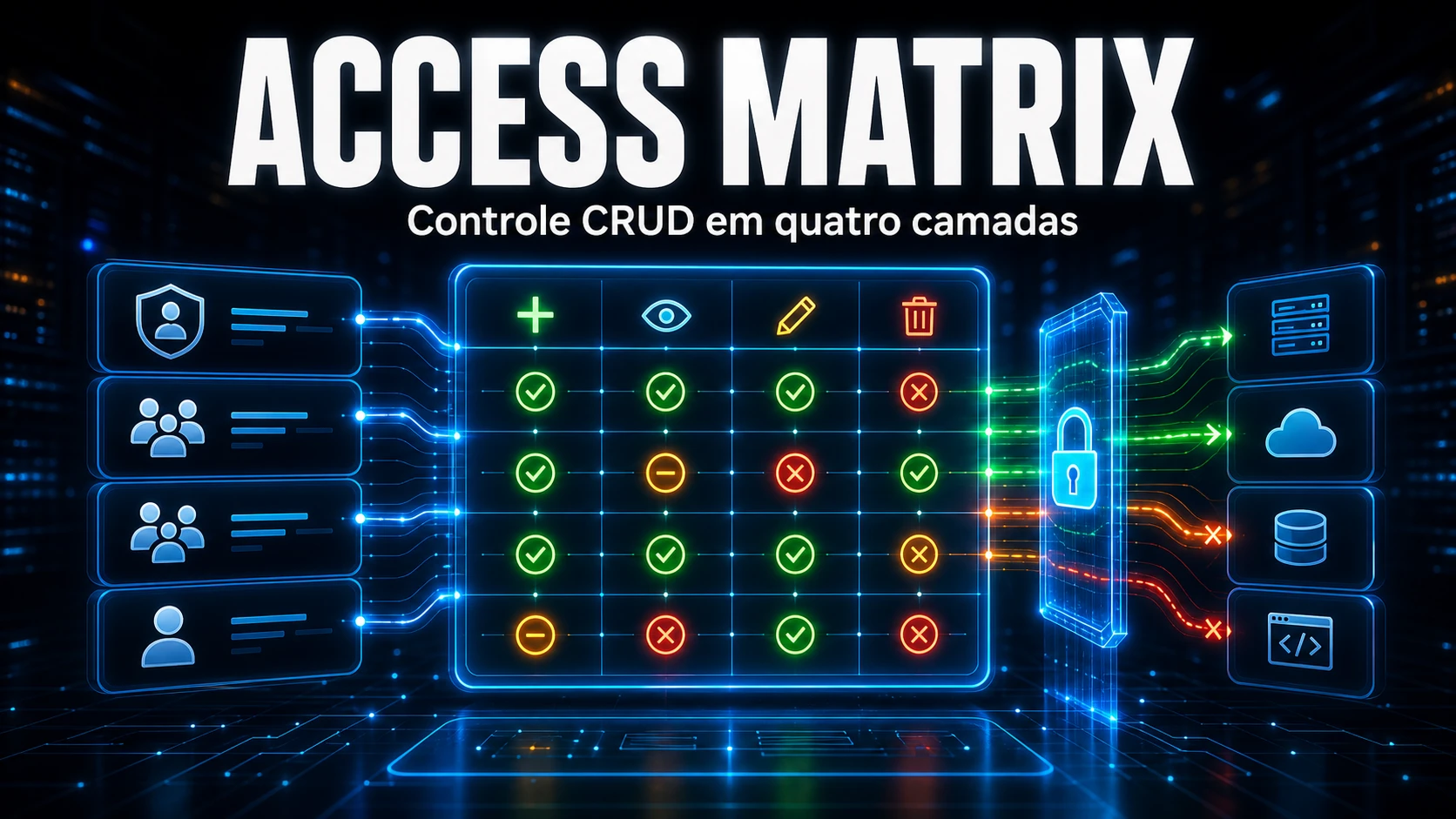
Visual Create/Read/Update/Delete permission matrix with 4-layer resolution: role, groups, and individual. Centralize access control inside GLPI.

Bell icon in the navbar, 11 ITIL event sources, per-user preferences, and priority-based sounds. Free.

Replace the favicon, logo, login background and footer of GLPI with your company's brand, without modifying any core files.

Learn how to customize the GLPI interior with CSS per entity using an Iron Man-inspired theme. This guide shows how to apply visual identity to the sidebar menu without compromising usability, preserving forms, indicators, and operational components in the default GLPI style.
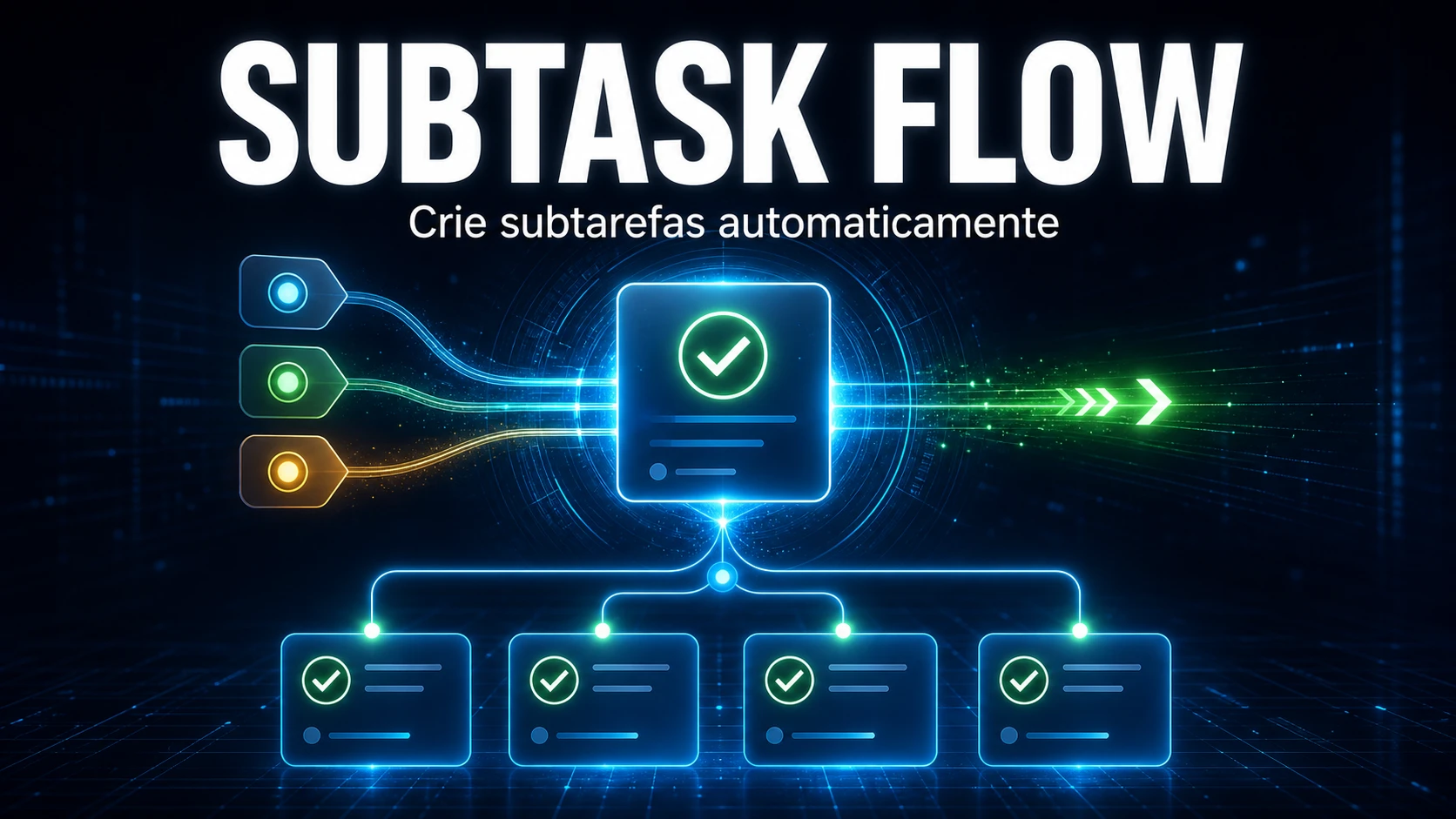
Create hierarchical task flows: when a parent task is completed, child subtasks are created automatically based on the chosen solution.