Repetitive tasks with dependent steps
Many IT processes follow predictable flows: when the analysis is complete, create the execution task; when the execution is done, create the validation task. In standard GLPI, the technician must create each task manually, copying information from templates and assigning responsible parties. This is slow, error-prone and impossible to standardize at scale.
SubTask Flow: workflows that build themselves
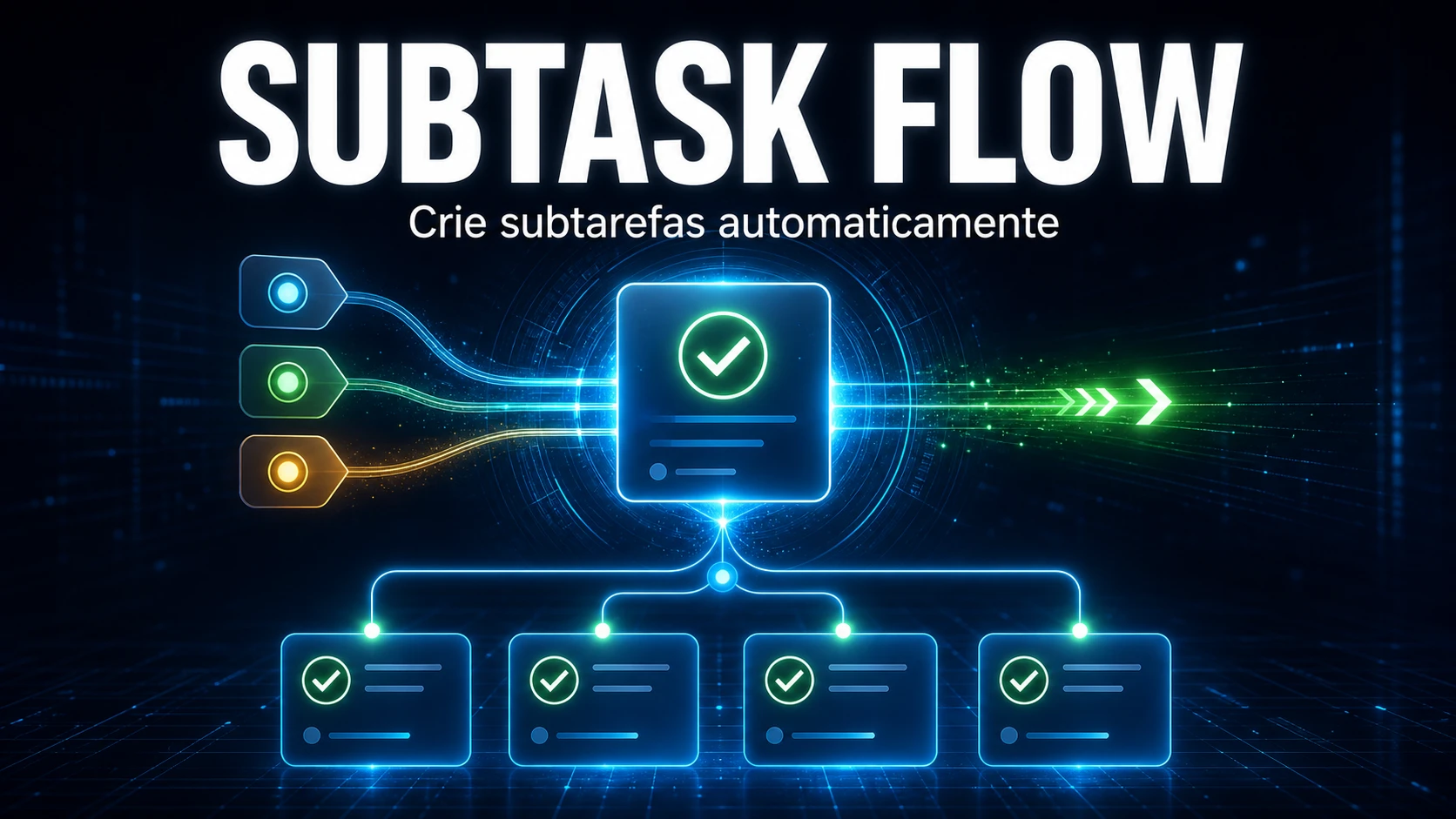
The SubTask Flow module allows you to create hierarchical relationships between GLPI task templates (TaskTemplates). You configure the flow once in the template and it runs automatically across all tickets.
Conditional flow by solution
Each parent template can have multiple children, and each child can be conditioned on a specific solution. For example:
- Technician completes the "Diagnosis" task with solution "Hardware" → creates subtask "Replace component"
- Technician completes with solution "Software" → creates subtask "Reinstall application"
The paths are defined in the template configuration. The technician only needs to choose the solution when completing the task.
Automatic creation with template data
When the technician marks a task as "Done", the module:
- Identifies the children corresponding to the chosen solution
- Automatically creates the child TicketTasks in the timeline
- Copies content, category, estimated time and responsible party from the template
Loop protection
A DFS (depth-first search) algorithm analyzes the relationships before allowing registration. If it detects that Template A → B → C → A would form an infinite loop, the relationship is rejected with an explanatory message.
Execution tracker
The Records tab displays the complete history of executions with parent, child, chosen solution, responsible technician and timestamps. Full traceability of every flow executed in every ticket.
How to configure
- Define solution options in the module configuration
- Open a TaskTemplate and link child templates in the "Next (Template)" tab
- Define which solution activates each child
- The flow runs automatically on any ticket that uses the template



