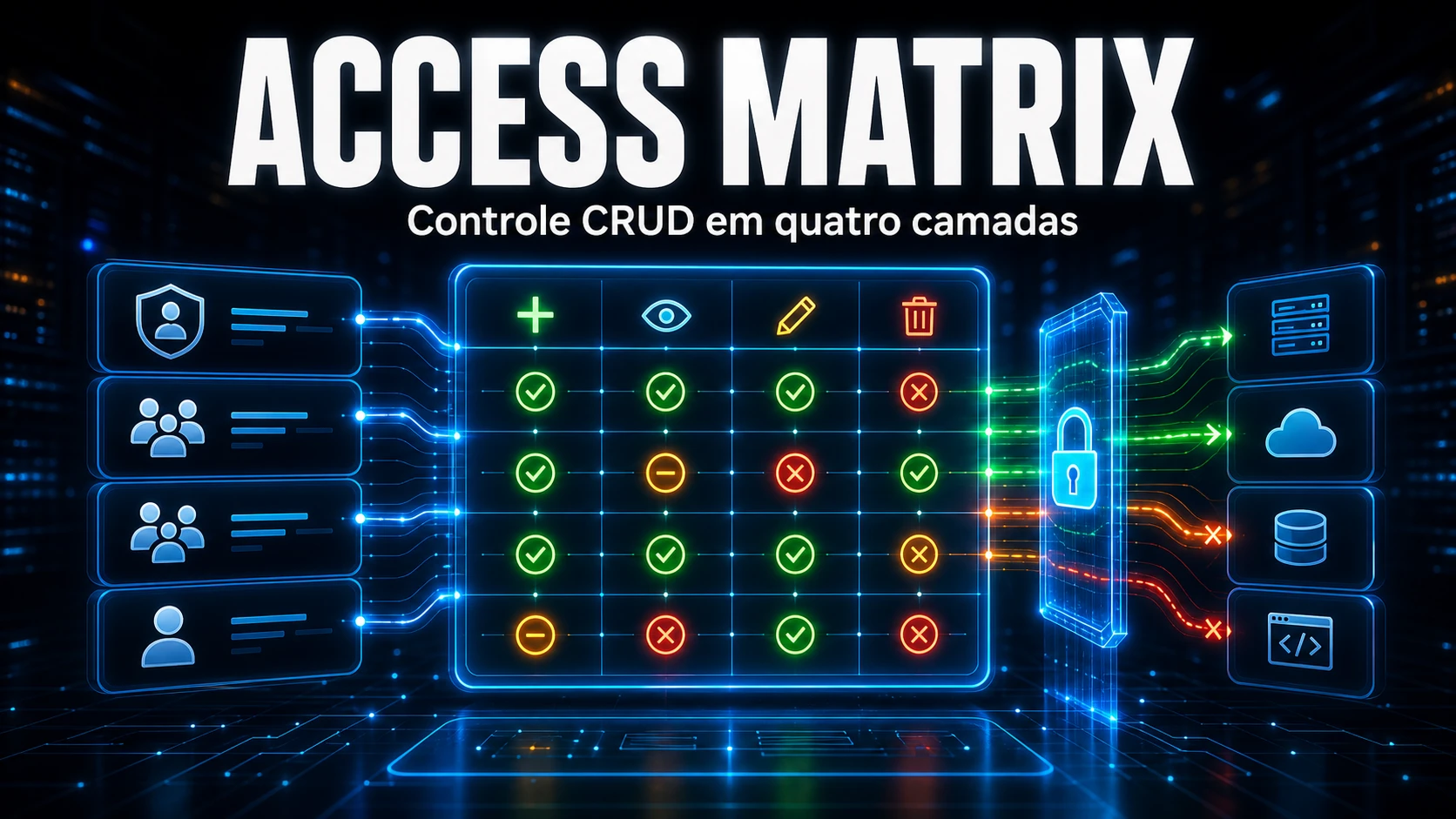
The challenge: permissions scattered in spreadsheets
Many companies control access permissions for external systems (ERP, CRM, BI, etc.) in Excel spreadsheets or shared documents. When an employee changes roles or leaves the company, updating those spreadsheets is manual, error-prone, and unaudited.
Access Matrix: centralized permissions inside GLPI
The Access Matrix brings into GLPI a visual checkbox matrix of CRUD permissions (Create, Read, Update, Delete) for each external system and its modules. You register the systems, define the roles, and check the permissions – all inside the GLPI interface.
4-layer resolution
The module resolves permissions by combining 4 sources using OR logic (the most permissive wins):
- User’s main role (Category, Title, or default Group in GLPI)
- Groups linked to the role
- Groups linked to the user
- Individual permissions assigned directly to the account
In the query tab, you can view the effective permissions of any user with badges indicating the source (Role, Group, or Individual).
Ticket integration
A dedicated tab appears in each ticket form, pre-selecting the requester and displaying their effective permissions. The technician immediately knows what the user can or cannot do in each system, without leaving the ticket.
CSV Import/Export
Migrate configurations between environments with CSV Import/Export. The module offers a preview before applying and automatic pre-import backup. Supports 21 languages.
How to get started
- Register the external systems and their modules in the Systems tab
- Define the role source in Settings
- Configure the CRUD matrix for each role
- Use the Query tab to check effective permissions



